ScanLingo: Learn by Reading

Capture or import an image, extract and translate text, listen to it, and organize important sentences into lasting study material.

  • Camera and image OCR
  • On-device translation, speech recognition, and text to speech
  • Sentence cards, bookshelves, learning profiles, and reports
  • On-device object candidates organized as word cards
  1. 01Capture and recognize
  2. 02Object vocabulary
  3. 03Understand and translate
  4. 04Book and page binding
  5. 05Local learning record
ScanLingo: Learn by Reading app icon
Local learning record
Capture and recognizeBook and page binding
Understand and translateLocal learning record
  1. Capture and recognize

    From a capture to editable text

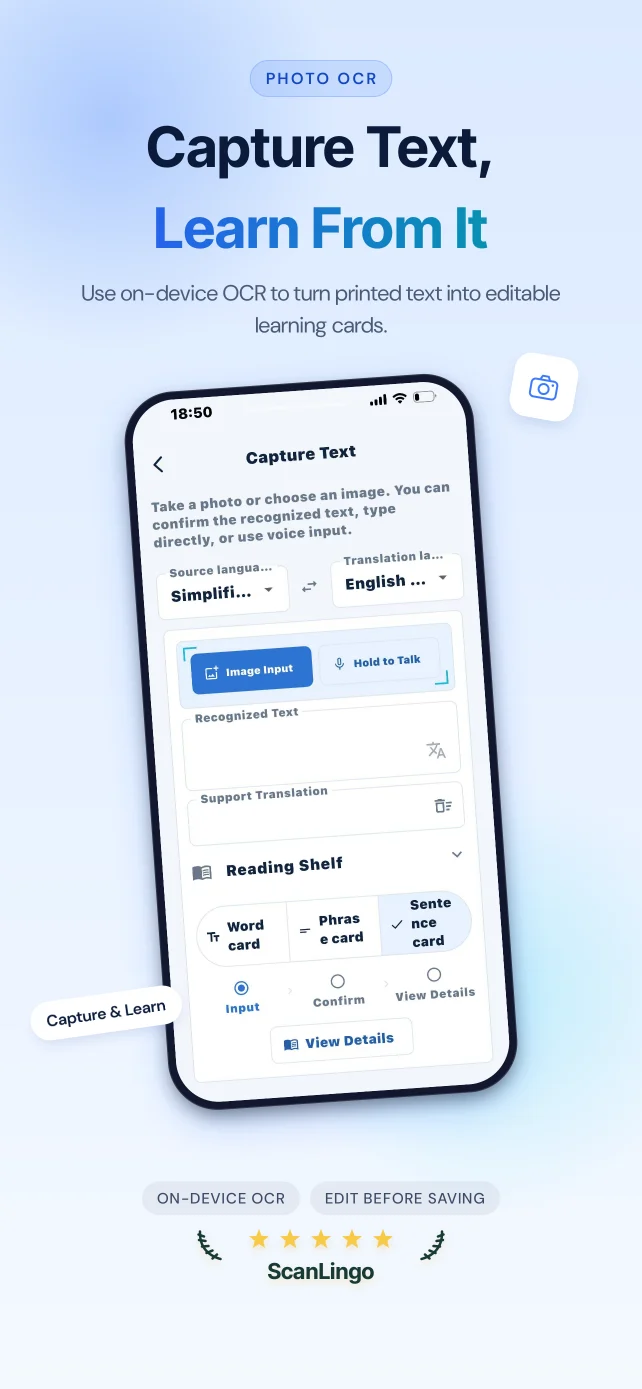
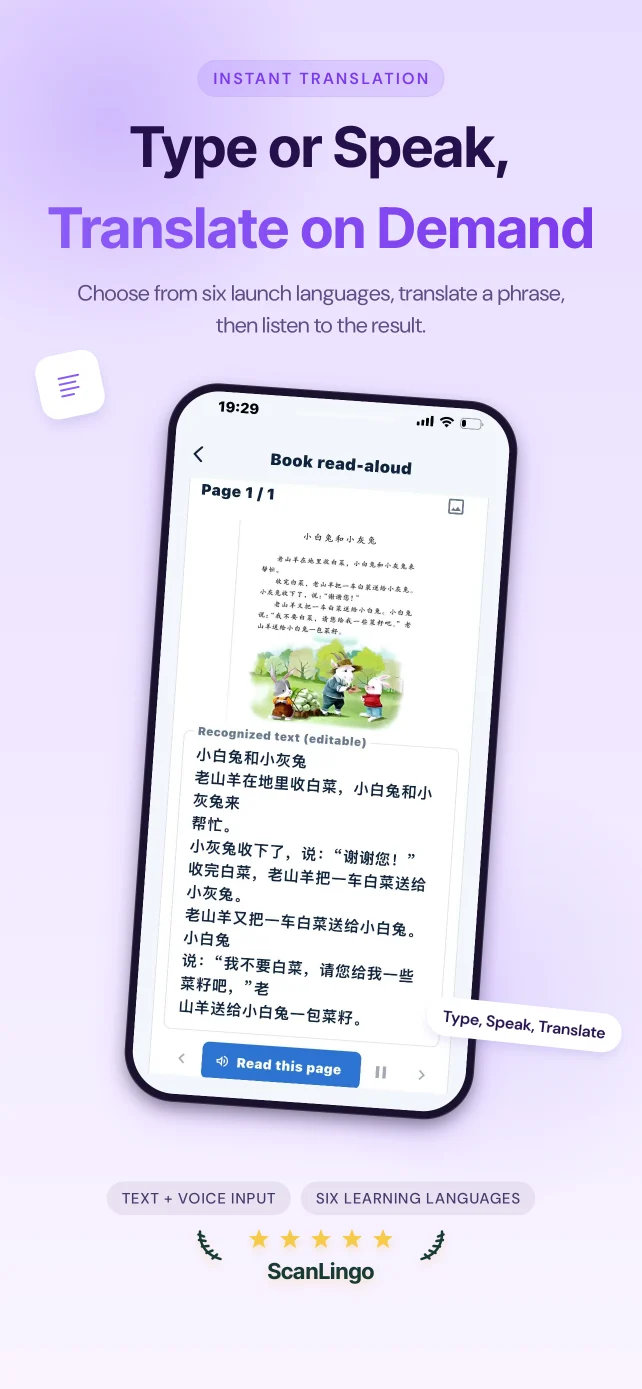
    Use the camera or choose an image from the system photo library. You can review the OCR result before translating or organizing it.

    Camera and photo access are requested only when you choose the related feature, and you can change access at any time in iOS Settings.

    Lighting, clarity, layout, and language affect OCR accuracy. Check the result against the original before relying on it.

  2. Object vocabulary

    Object vocabulary

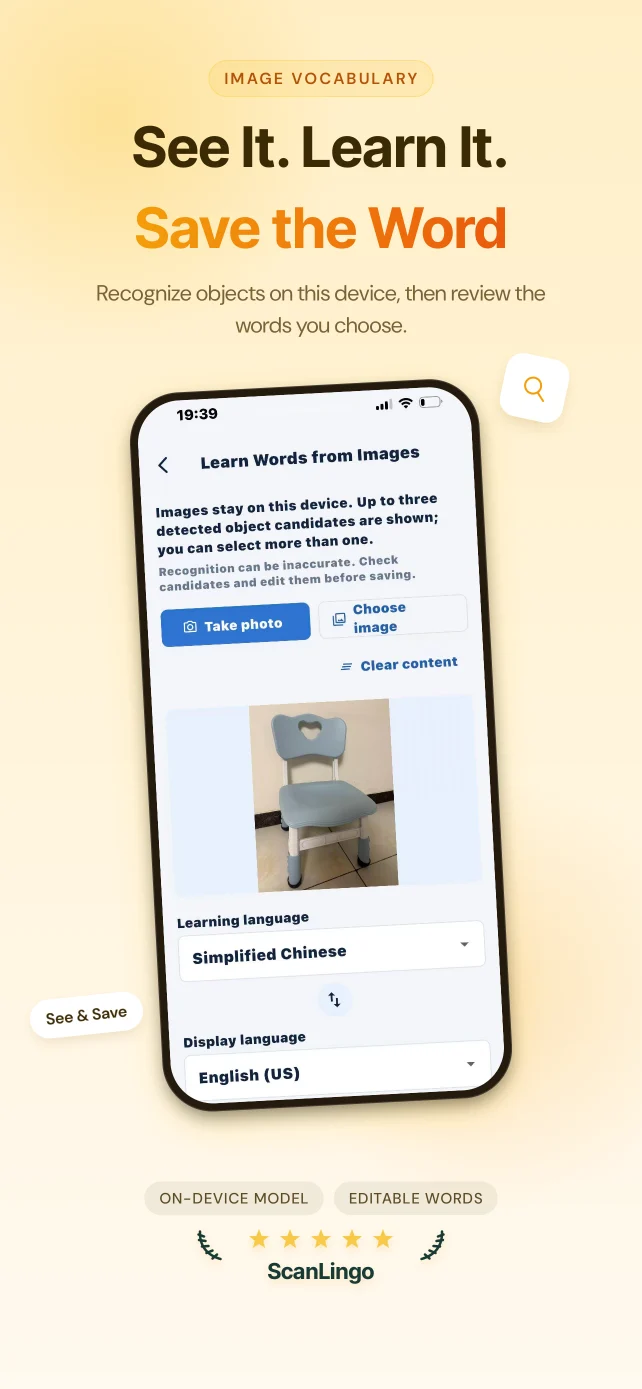
    Object vocabulary uses the bundled OpenMMLab RTMDet-s FP16 Core ML model on the device to generate general-object candidates from an image you choose or take; you may review, edit, and save vocabulary. The model is not downloaded at runtime, and the current release does not send source images to the operator's servers. The bundled model file is approximately 20.2 MB.

  3. Understand and translate

    On-device language tools

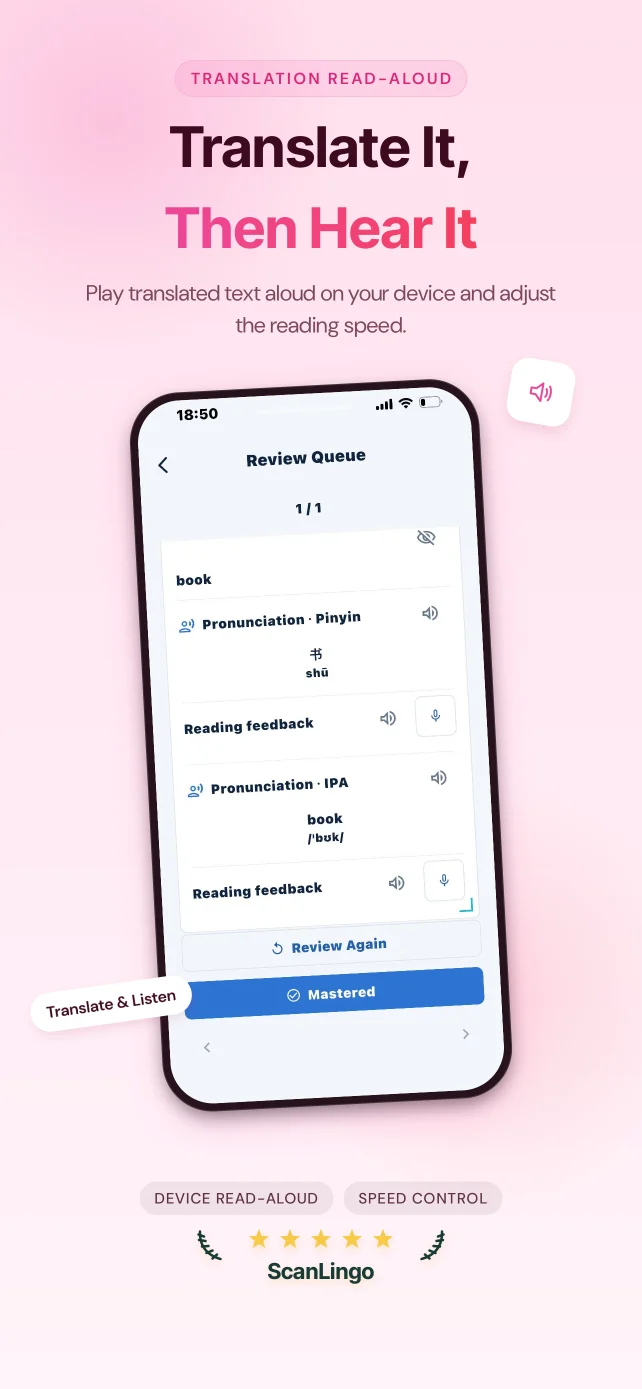
    Where supported, translation, speech recognition, and text-to-speech features prioritize capabilities provided on the device by iOS.

    Some iOS language packs, system services, or first-time downloads may require a network connection, depending on the device, system version, and language.

    Machine recognition, translation, and speech output may be incomplete or inaccurate and must not replace human review in professional or high-risk contexts.

    Translations, text recognition, object candidates, speech recognition, pronunciation, and other learning-assistance results are generated by machine models, dictionaries, or system services for study reference only. They may be incomplete, inaccurate, or unsuitable for the context. Check the context yourself; do not use them as the sole basis for medical, legal, financial, safety, or other important decisions.

  4. Book and page binding

    Book and page binding

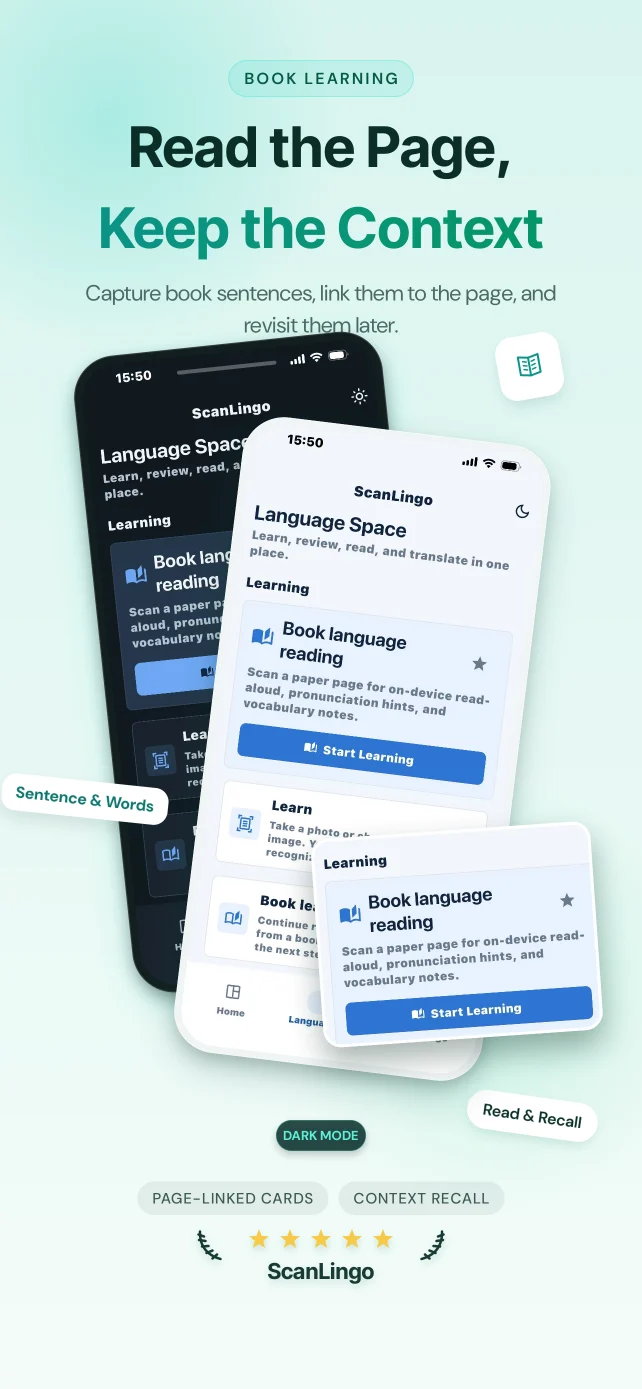
    Bind recognised material to a book and page number, organise it as sentence cards, and return to that context while reviewing local learning progress and reports.

  5. Local learning record

    Local learning record

    Book and page associations, sentence cards, learning profiles, and reports are stored on your device by default. The current release has no remote account or sync feature.

Find the right ScanLingo workflow

Photo OCR, image translation, and contextual review

From a capture to editable text

Use the camera or choose an image from the system photo library. You can review the OCR result before translating or organizing it.

On-device language tools

Where supported, translation, speech recognition, and text-to-speech features prioritize capabilities provided on the device by iOS.

Build a learning record from useful passages

Bind recognised material to a book and page number, organise it as sentence cards, and return to that context while reviewing local learning progress and reports.

Local first, with a clear network boundary

Images, OCR text, translations, and learning content are processed and stored on the device by default. Speech-input results are stored on the device by default; the operator does not retain microphone audio.

Necessary network interactions include purchases and entitlements through Apple and RevenueCat, a feedback form through Tally only when you choose to open and submit it, the static legal site on Cloudflare, and support email that you choose to send. iOS may use the network for system language resources or Apple speech and language services. When you use voice input, audio and related speech data may be sent to Apple's speech-recognition servers, but are not uploaded to the operator's own servers.

The current release has no advertising and no analytics. It also does not include advertising tracking, cross-app tracking, IDFA use, heat maps, or session replay.

Object vocabulary uses the approximately 20.2 MB OpenMMLab RTMDet-s FP16 Core ML model bundled with the app. The model and image analysis run on the device; the current release does not send source images to an operator server or third-party recognition API and does not download the model at runtime.

Transparent App Store subscriptions

If you choose a paid subscription, the purchase is handled by the Apple App Store. Review the in-app purchase page and Apple's confirmation sheet before ordering.

View, cancel, or manage the subscription in Apple's subscription settings, and use Restore Purchases in the app to verify an existing entitlement again.

Available plans, price, currency, period, and any trial are exactly as shown on the in-app purchase page and Apple's confirmation sheet at the time of purchase. This site does not invent or prestate specific amounts.

Photo translation and contextual review: FAQ

These answers describe the current ScanLingo workflow for personal reading and language study.

What reading material is photo translation suitable for?
Use the camera or choose an image from the system photo library. You can review the OCR result before translating or organizing it.
Can I correct text after image OCR?
Lighting, clarity, layout, and language affect OCR accuracy. Check the result against the original before relying on it.
Why connect sentence cards to a book and page?
Bind recognised material to a book and page number, organise it as sentence cards, and return to that context while reviewing local learning progress and reports.
Are my study images and cards uploaded to ScanLingo servers?
Images, OCR text, translations, and learning content are processed and stored on the device by default. Speech-input results are stored on the device by default; the operator does not retain microphone audio.
Do translation and speech features always need a connection?
Some iOS language packs, system services, or first-time downloads may require a network connection, depending on the device, system version, and language.
Who manages a subscription?
View, cancel, or manage the subscription in Apple's subscription settings, and use Restore Purchases in the app to verify an existing entitlement again.

Reading learning guides

Learn how to use photo translation, OCR review, object vocabulary, and contextual review as a focused reading workflow.